
Text in a flipbook can only be copied if the author has turned on text selection in the customize menu. Once enabled, text and pop-ups become selectable for flipbooks built from scratch or uploaded as vector PDFs; with older PDF conversions, only pop-ups are selectable.
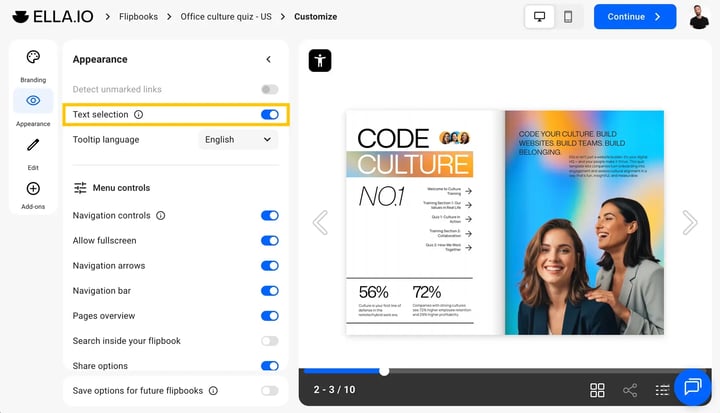
Once activated, text and pop-ups are selectable for flipbooks created from scratch or uploaded as vector PDFs. With older pdf conversions, only pop-ups are selectable.
Next steps
Need expert support?
Our team is here to help. Connect with our team experts or message us via the live chat for personalized assistance.