
Nothing makes your reading experience more real than the sound of the paper when you turn the page. If you feel the same way, just go to the Customize section, Appearance and check the box for Flip sounds. Then, publish or update the flipbook as usual to save the changes.
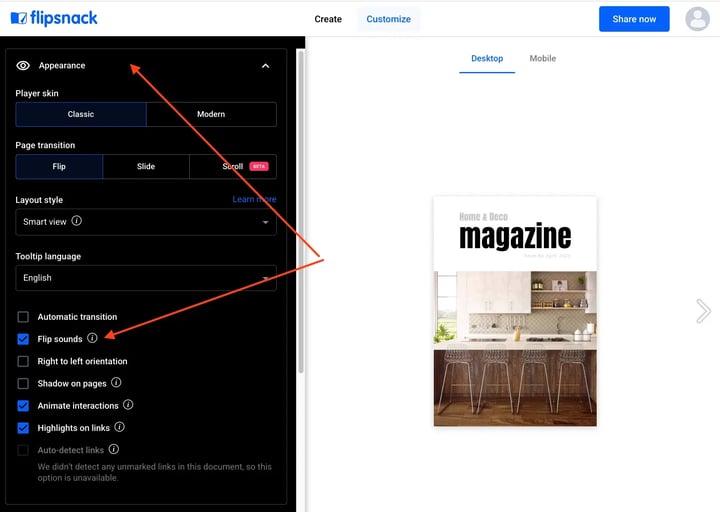
Important: The flip sounds are available for laptops and desktops only.
Next steps
Need expert support?
Our team is here to help. Connect with our team experts or message us via the live chat for personalized assistance.