
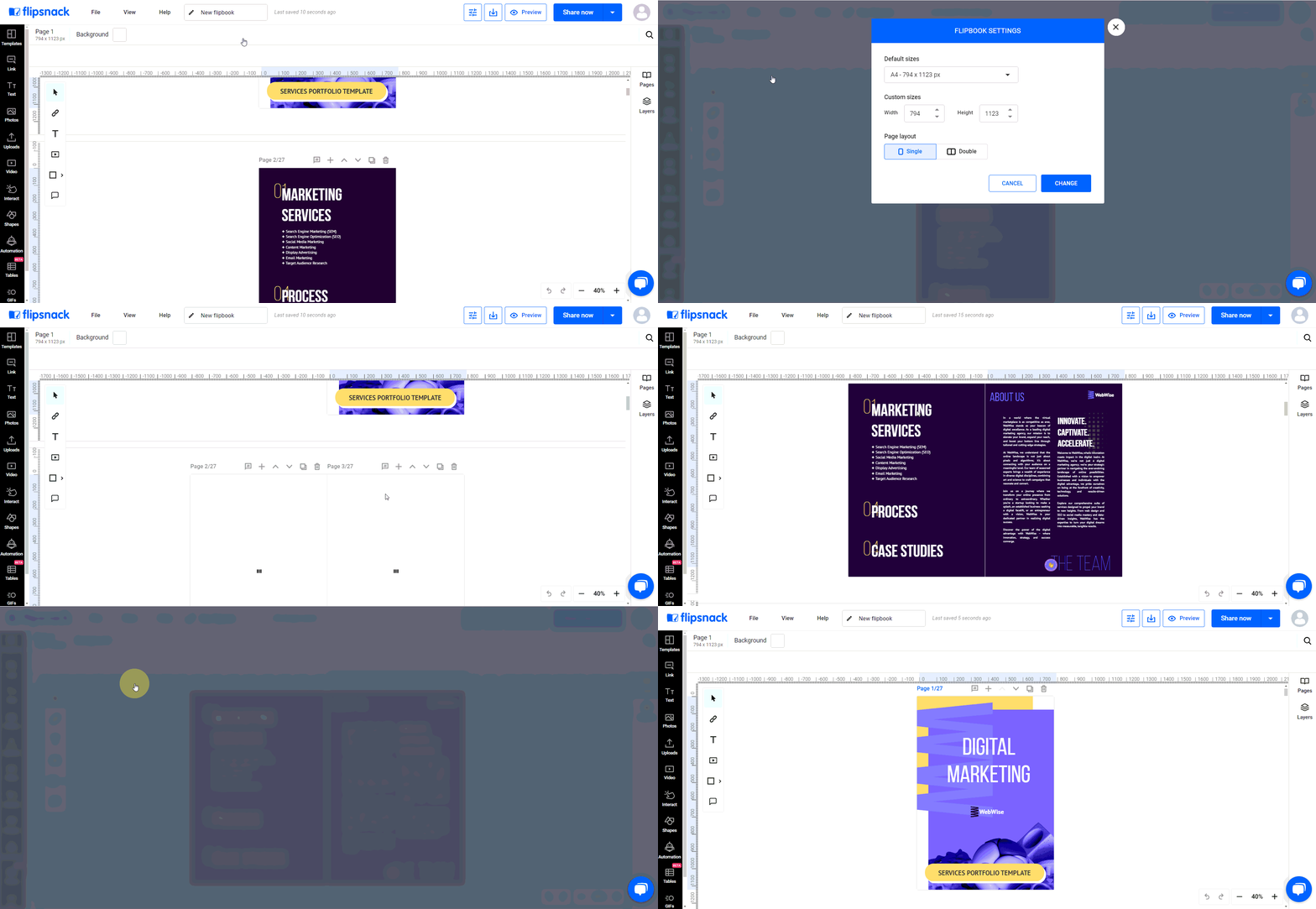
In Flipsnack's Design Studio, the double page layout can be enabled by selecting the "Edit pages" option, where you can then choose the double page spread for your flipbook. This setting is particularly useful for layouts that span across two pages, enhancing the design and reader's experience of magazines, catalogues, and photo books.
For step-by-step instructions and more details, refer to the specific article on Flipsnack: Learn about the Double page layout.
Next steps
Need expert support?
Our team is here to help. Connect with our team experts or message us via the live chat for personalized assistance.